News here:Weblooks now supports Antigravity!Read more here…News here:Weblooks now supports Antigravity!Read more here…News here:Weblooks now supports Antigravity!Read more here…News here:Weblooks now supports Antigravity!Read more here…News here:Weblooks now supports Antigravity!Read more here…News here:Weblooks now supports Antigravity!Read more here…News here:Weblooks now supports Antigravity!Read more here…News here:Weblooks now supports Antigravity!Read more here…
Weblooks

Scalable and client-friendly websites built with AI.

Start from scratch, connect an existing repository or open a local project. Use ChatGPT or Claude to build your website, refine the result visually, and give clients an easy way to review and maintain it.

Works with

  • ChatGPT
  • Claude
  • Cursor
  • Gemini
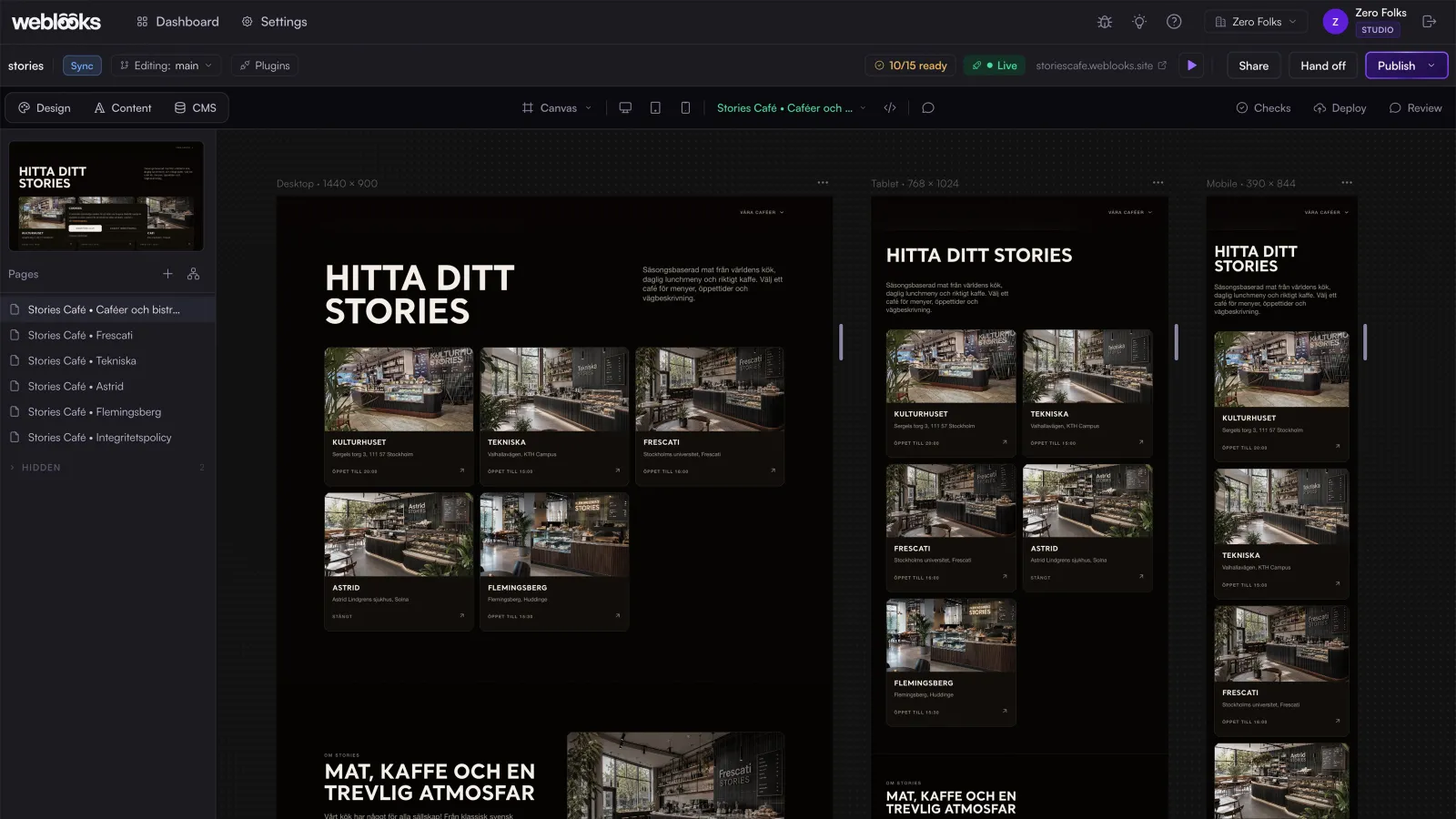
The Weblooks editor with a café website open at desktop, tablet and mobile sizes side by side and its pages listed on the left
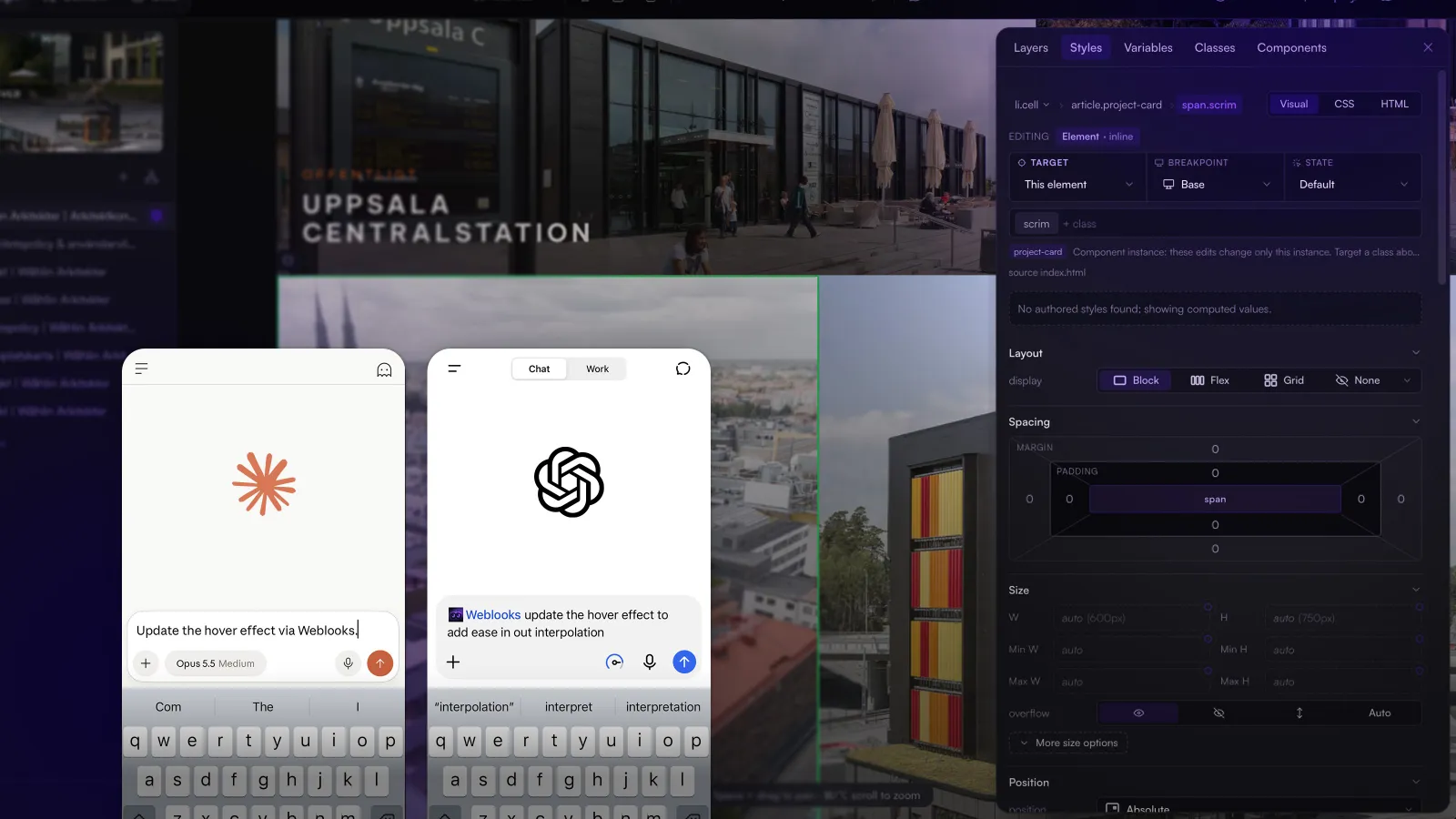
Claude and ChatGPT on phones asking Weblooks to update a hover effect, in front of the editor and its style controls

Use the ChatGPT or Claude subscription you already have.

Connect ChatGPT, Claude or another compatible assistant to Weblooks through MCP to create pages, update components and manage content. These changes use your existing AI subscription allowance, without requiring you to purchase separate Weblooks AI credits.

Scan for accessibility, SEO, structured data and privacy issues.

Check contrast, alt text, broken links, metadata, performance, scripts and JSON-LD structured data. Weblooks helps identify problems that affect accessibility, search engines, AI-agent readability and consent configuration before your changes are published.

ChecksCurrent page

1 image missing alt attribute

<img src="/images/hero.jpg">

Work with your favorite tools and systems.

Choose the CMS, storage and publishing setup that fits your project. Weblooks provides the tools to manage content, maintain consistent designs and prepare changes for publication.

Cookie consent management included with hosting.

Weblooks-managed hosting includes a configurable consent banner, granular preferences, consent-based script controls and consent records. These built-in capabilities can be used without a separate consent management subscription.

Keep components reusable.

Manage repeated website elements consistently, including shared sections, navigation and content layouts.

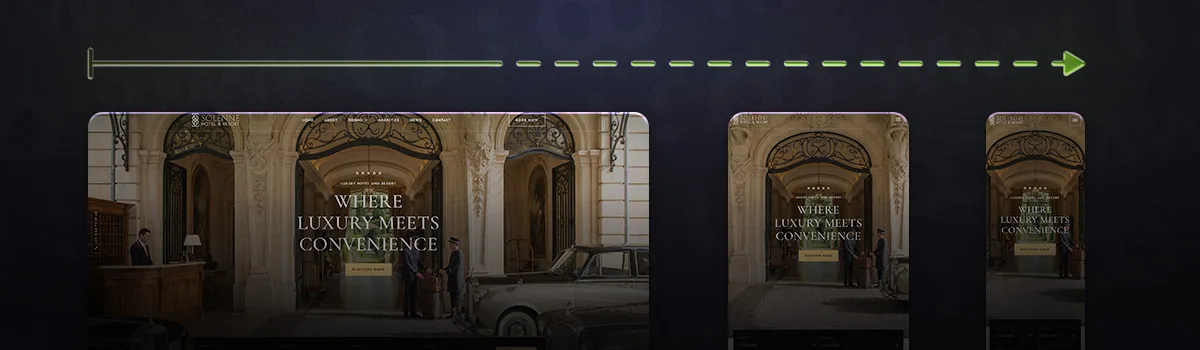
Check every breakpoint.

Preview and refine layouts at different screen sizes directly in the visual editor.

Review changes before publishing.

Use a staging website to inspect updates and collect feedback before releasing them to the live domain.

Use the native CMS or connect your own.

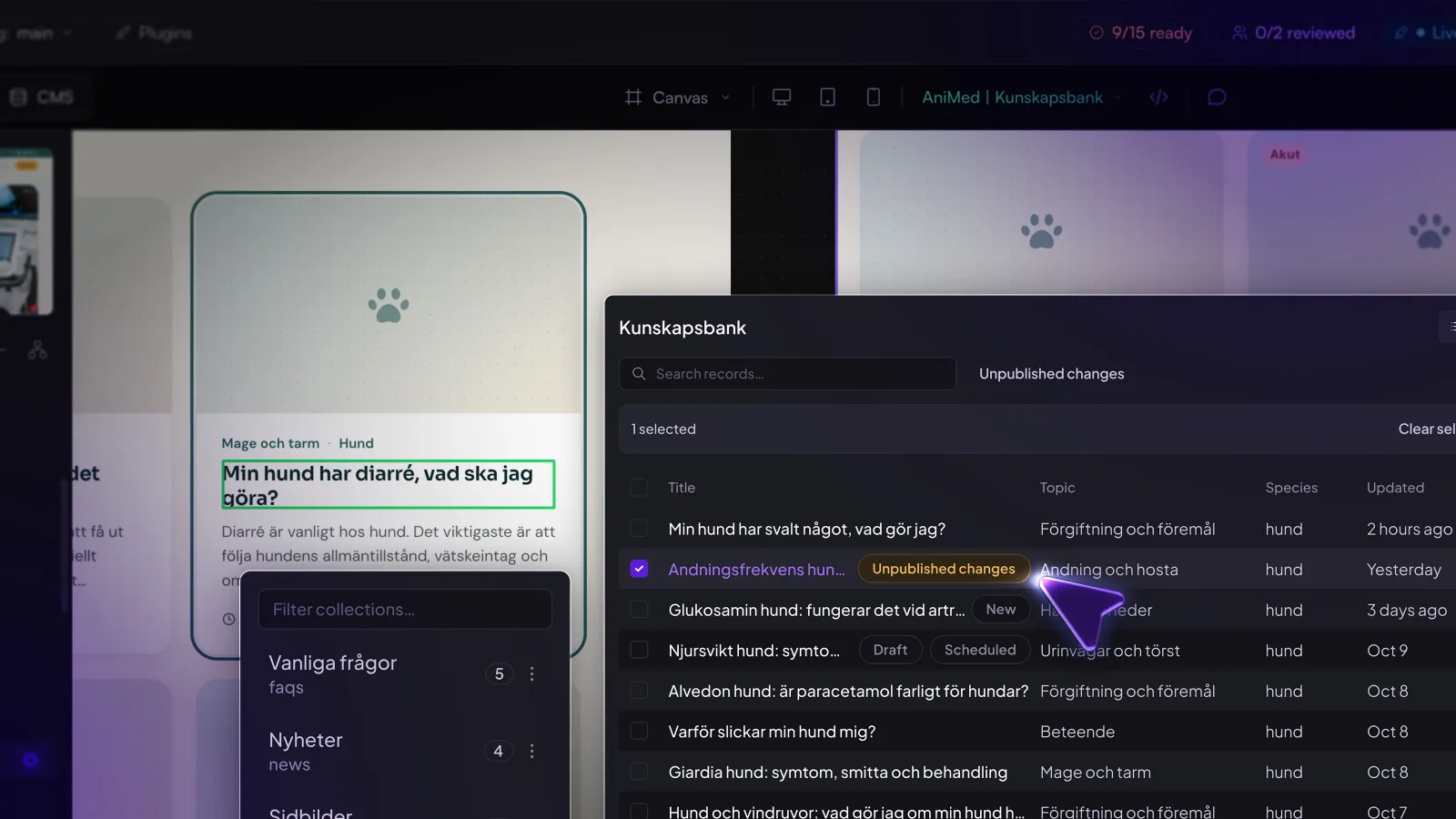
Manage structured content in Weblooks or use a supported external CMS. Keep website content connected to reusable templates, so clients can make routine updates without rebuilding pages.

Keep your project in sync.

Work with GitHub or local project files while keeping your website changes connected to the development workflow.

Make clients love your process

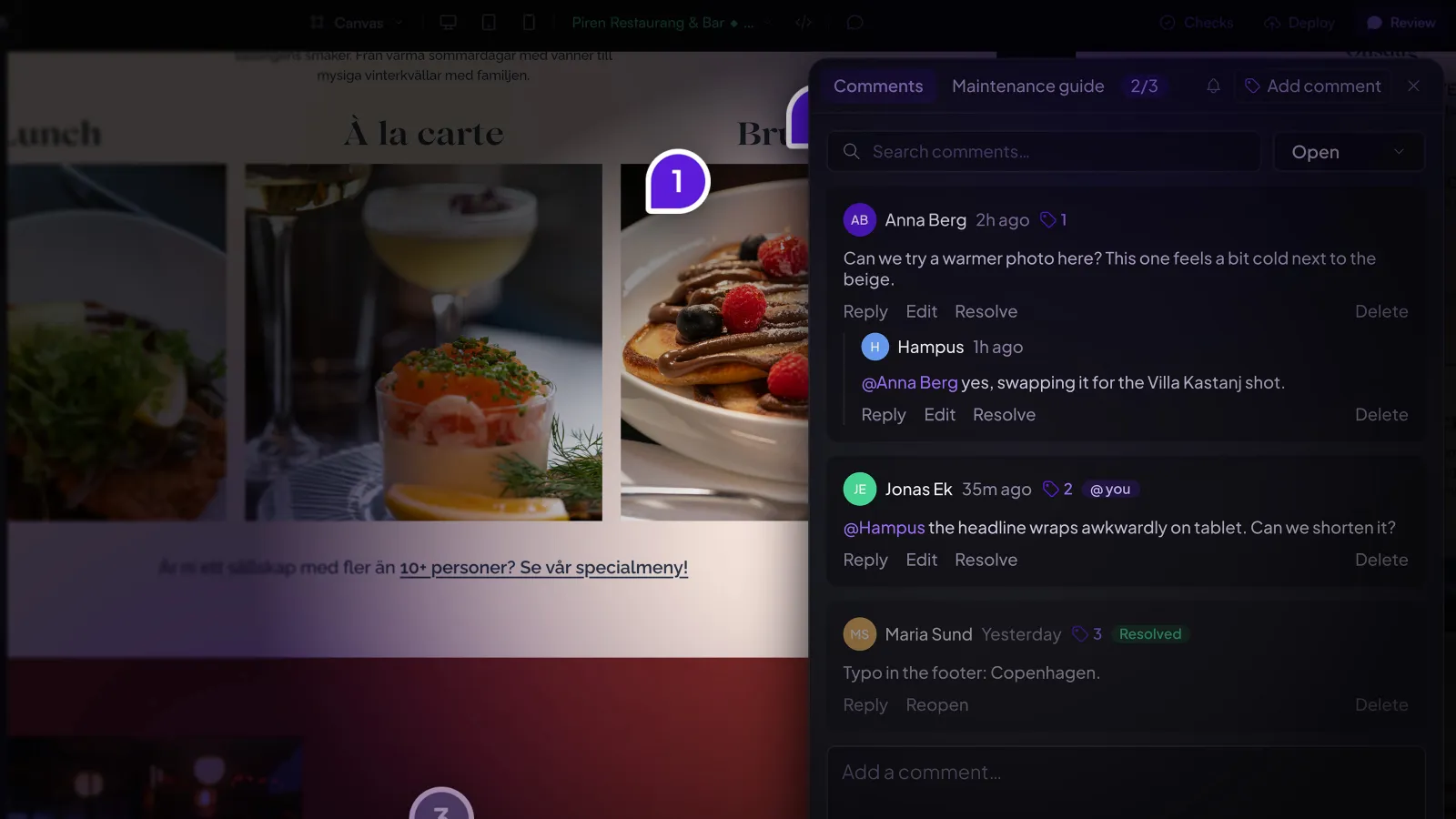
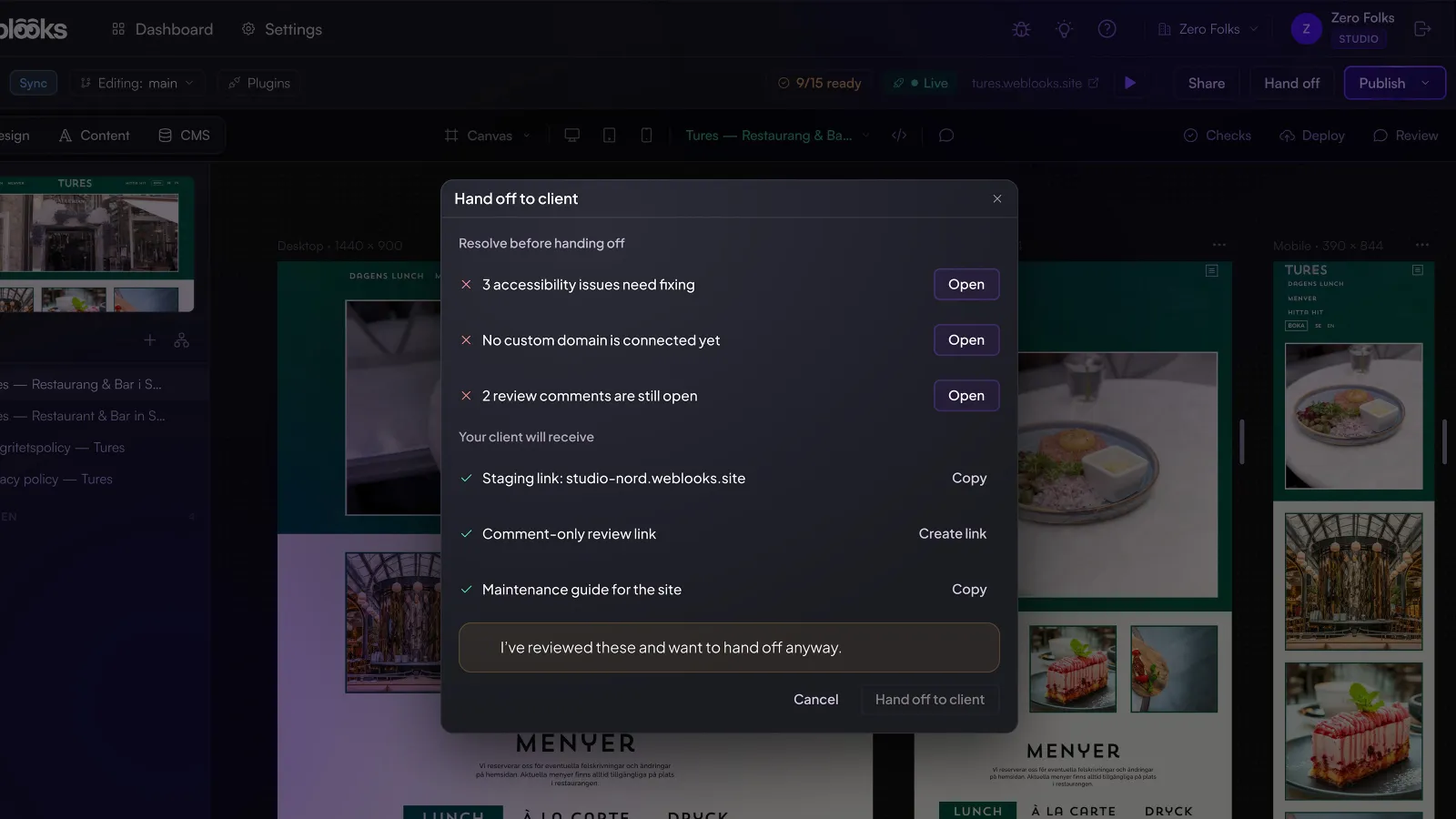
Share a staging website, collect feedback directly on the page and get client approval before publishing. Your clients can review the work without needing access to GitHub or development tools.

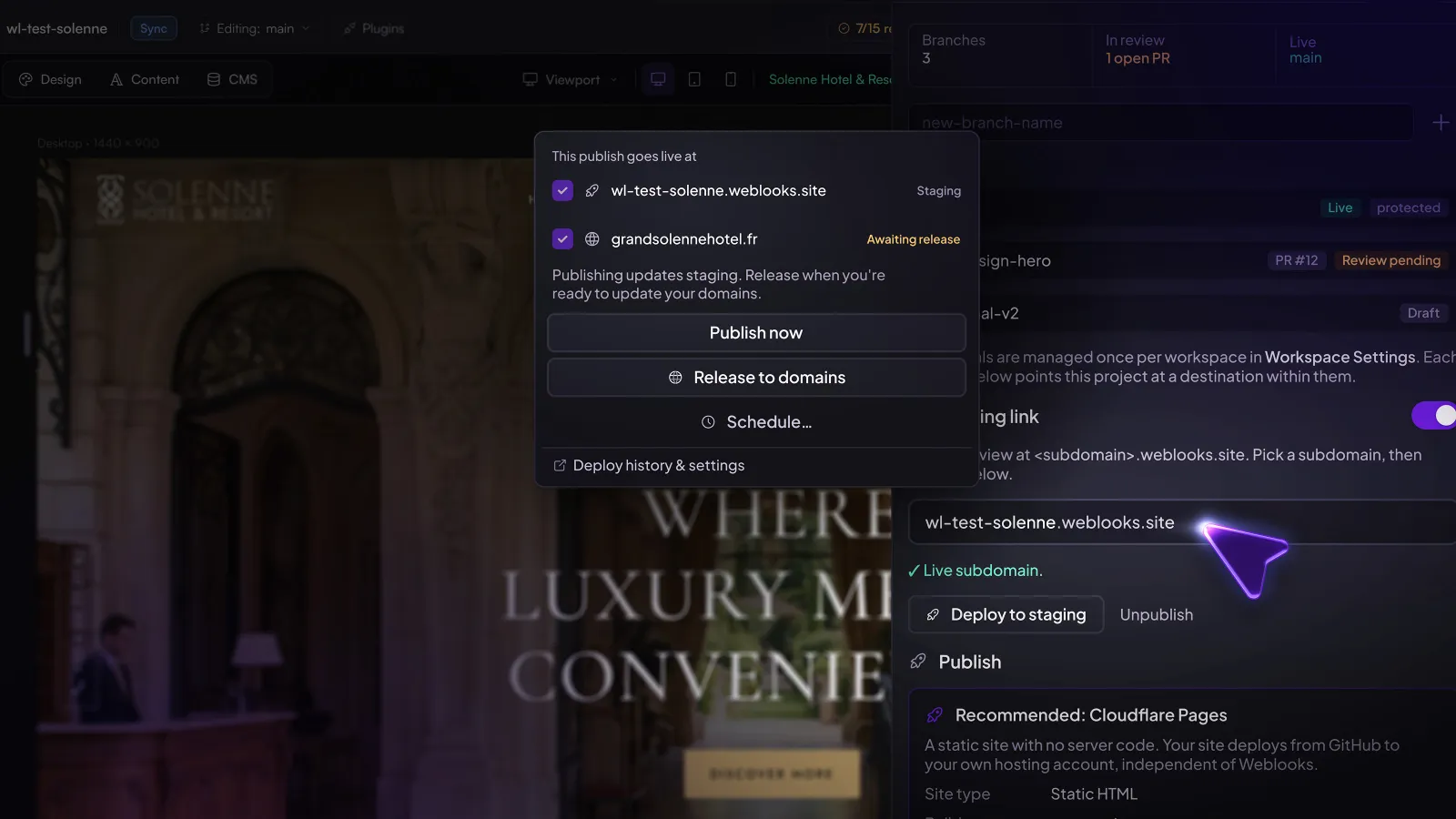
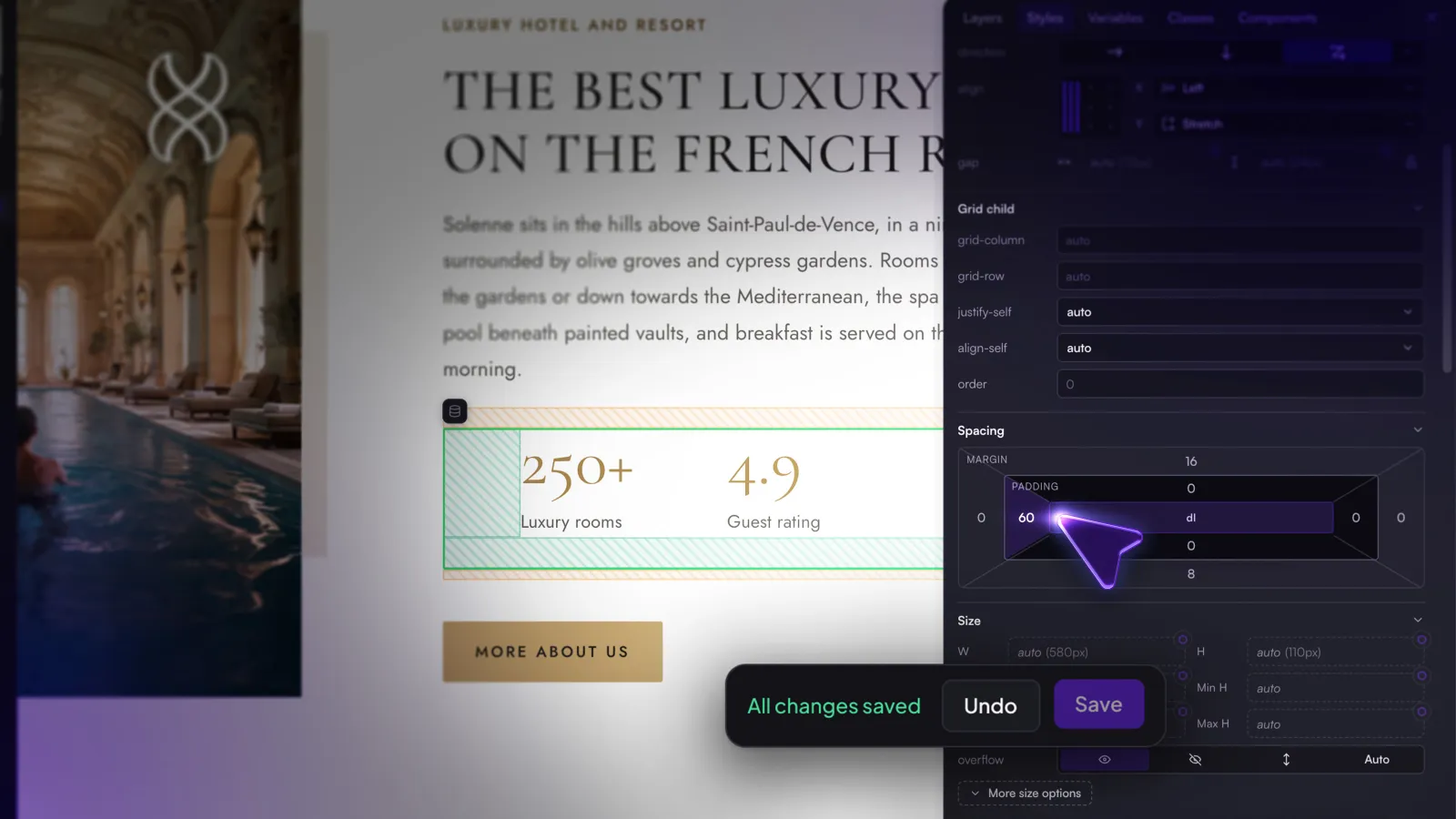
Publishing a hotel site to its weblooks.site staging address, with the release to the live domain as a separate step

Easy to start. Easy to leave.

Start a new project, connect GitHub or work with files on your computer. Choose the framework and CMS that suit your website, with Weblooks-managed hosting available when you need it. Your source code remains yours.

Project source

Content management

Publishing

Source: GitHub repository your-studio/your-site. Content: Weblooks CMS. Publishing: Weblooks hosting, staging at your-site.weblooks.site.

Get started!

Create a new Weblooks project or connect a website you're already working on. Start with the tools you need and add managed hosting when you're ready.

Get startedSee pricing